🎉 All-in-One Billing, Inventory & Accounting Platform for Faster Business Growth BUY NOW 👉

GSTR 2B Format and Filing Guide

Raseed makes GSTR-2B reconciliation simple and accurate. Verify eligible Input Tax Credit (ITC), match purchase records with GST data, resolve discrepancies quickly, and generate reports for hassle-free GST compliance.

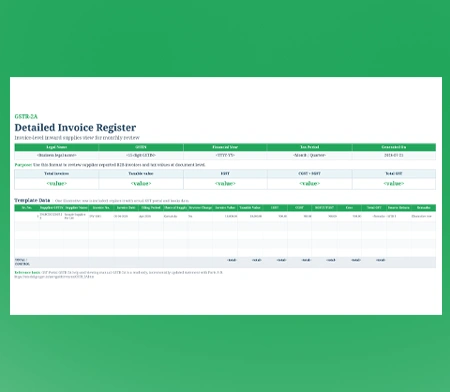
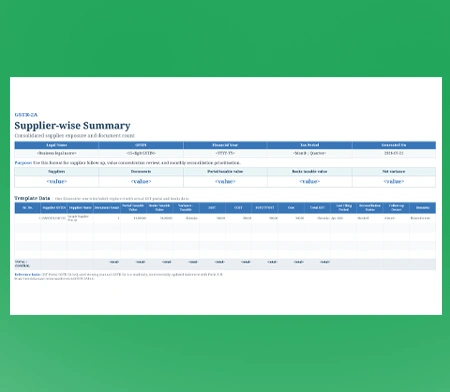
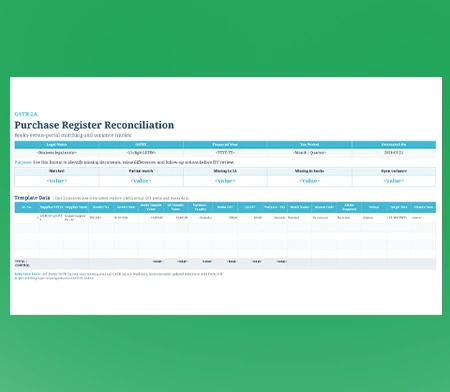
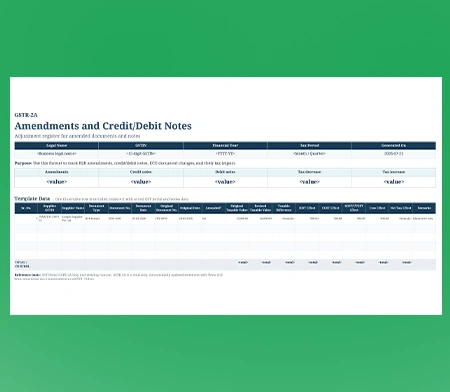
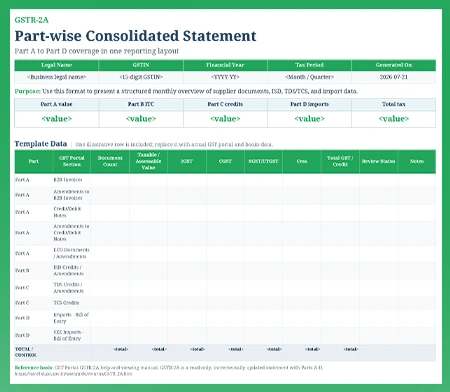
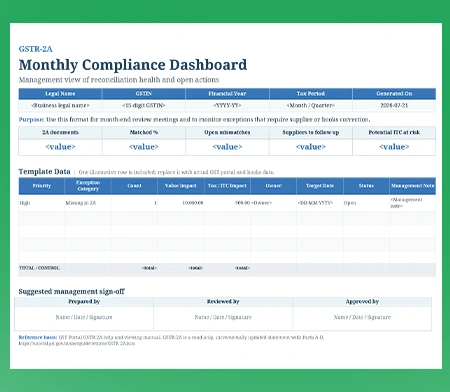
Download Professional GSTR-2B Filing Templates

GSTR-2B Format-1

GSTR-2B Format-2

GSTR-2B Format-3

GSTR-2B Format-4

GSTR-2B Format-5

GSTR-2B Format-6


What is the GSTR-2B Format?

The GSTR-2B GST Return is an auto-drafted, static Input Tax Credit (ITC) statement generated for every regular GST-registered business based on information submitted by their suppliers. It details eligible and ineligible tax credit for B2B purchases, debit notes, credit notes, and import transactions for a given tax period.

It acts as the official base document for claiming exact input tax credit in your monthly GSTR-3B submission, preventing illegal or excess credit claims during tax audits.

Key Features of Managing GSTR-2B in Raseed

Automated Data Fetching

Directly fetch your official auto-drafted tax credit statement from the portal directly into your internal purchase registers.

Smart Purchase Matching

Cross-check vendor bills against your auto-generated statement to spot missing invoices, mismatched tax amounts, or date errors instantly.

Ineligible Credit Warning

Ineligible credit, blocked tax amounts, or place of supply conflicts are flagged immediately, so you avoid wrongful claims.

Input Tax Credit (ITC) Summary

Get a clear overview of eligible, ineligible, and pending Input Tax Credit in one place, helping you make informed decisions before filing your GST returns.

Download and Export

Download your reconciled tax credit reports in GSTN-compliant Excel or JSON formats, ready for auditing and return filing.

Multi-Branch Tracking

Consolidate inward purchase credit across different operational locations into a single unified verification dashboard.

Mismatch Detection

Quickly identify missing invoices, tax amount differences, duplicate entries, and other discrepancies between your purchase records and GSTR-2B data.

Reconciliation Reports

Generate detailed reconciliation reports with matched, unmatched, and pending transactions to simplify audits and GST return preparation.


Steps to Reconcile Using Raseed GSTR-2B Format Reports

Step 1

Record your purchase invoices, debit notes, and credit notes in Raseed. The software captures GSTIN, invoice details, tax amounts, and other purchase information automatically.

Step 2

Open the GST Reconciliation dashboard. Raseed automatically imports your static credit statement into the structured GSTR-2B format.

Step 3

Next, Run Reconciliation. Raseed scans your internal purchase ledger against GST official portal data to detect missing bills or tax differences.

Step 4

Inspect the auto-categorized ITC sections to distinguish between eligible input credits and blocked or ineligible claims.

Step 5

Download the finalized, audit-ready GSTR-2B summary in Excel or PDF format for error-free GSTR-3B filing.

Who Can File GSTR-2B GST Return

Every tax-registered entity that purchases goods or services and claims Input Tax Credit must regularly review and file GSTR-2B format reports.

Sole Proprietorship Businesses
Partnership Firms
Limited Liability Partnerships (LLPs)
Private Limited Companies
Public Limited Companies
Taxable Persons
Special Economic Zone (SEZ) Units and Developers
Tax Deductors and Tax Collectors

GSTR-2B Filing Due Dates for Business

Relying on accurate credit statements prevents tax notices by ensuring you never claim more input credit

Monthly TAX Filers: For businesses reviewing monthly purchases, the portal generates the static GSTR-2B GST Return statement on the 14th day of the following month.

QRMP Scheme Filers: Taxpayers under the quarterly filing arrangement receive their consolidated quarterly credit statement on the 14th day following the end of the quarter.

IFF Credit Impact: Purchases uploaded by your suppliers using the monthly Invoice Furnishing Facility reflect automatically in your statement by the 14th of that month.

Static Record Rule: Unlike dynamic statements, this statement remains unchanged forever, serving as a permanent legal reference point for your ITC claim.

Late Fees and Penalties for GSTR-2B Filing

Failing to reconcile your purchase ledger creates severe tax mismatches and financial liabilities.

Reversal Interest Penalty: Claiming credit not reflected in your statement triggers demand notices under Section 50, forcing you to repay excess claims with an 18% annual interest charge.

Notice for Excess Claim: Mismatches exceeding permitted thresholds trigger automated warning notices from tax authorities, demanding immediate written justification.

Vendor Payment Delays: Unreconciled purchase records cause cash flow friction, as buyers hold back supplier payments until taxes reflect officially on the portal.

Blocked Input Credit: Ineligible tax credits mistakenly claimed on non-compliant purchases get permanently blocked, increasing your net cash tax payout liabilities.

Audit Suspension Threat: Persistent differences between claimed credit and auto-drafted statements increase your risk profile, triggering compulsory tax audits and potential registration suspension.

Loss of Supplier Visibility: Without structured monthly matching, you fail to identify non-compliant vendors who consistently pocket tax amounts without filing their returns.

Frequently Asked Questions!

GSTR-2B is for purchases. It is an auto-generated, static Input Tax Credit (ITC) statement that consolidates the tax paid on your business purchases based on the sales uploaded by your suppliers. You use it to reconcile your books and claim ITC in your GSTR-3B.
The purpose of GSTR-2B is to provide businesses with a static, auto-drafted Input Tax Credit (ITC) statement. Generated monthly on the GST portal, it serves as the official reference for the exact amount of tax credit a taxpayer is legally permitted to claim in their GSTR-3B return.
All regular GST-registered taxpayers who claim Input Tax Credit on inward supplies must review this statement before filing their monthly or quarterly GSTR-3B returns.
Yes! Raseed offers a multi-GSTIN dashboard designed for CAs and tax consultants, enabling you to manage filings, client credentials, and compliance deadlines across multiple clients from a single login.
Raseed automatically fetches your official GSTR-2B statement and matches it with your internal purchase records. It flags missing invoices, value mismatches, and ineligible ITC, allowing you to claim maximum tax credit safely.
Yes. Raseed consolidates purchase records across all your operational locations or GSTINs into a single dashboard. You can review branch-wise tax credits individually or analyze company-wide ITC eligibility from one centralized platform.
Raseed paths