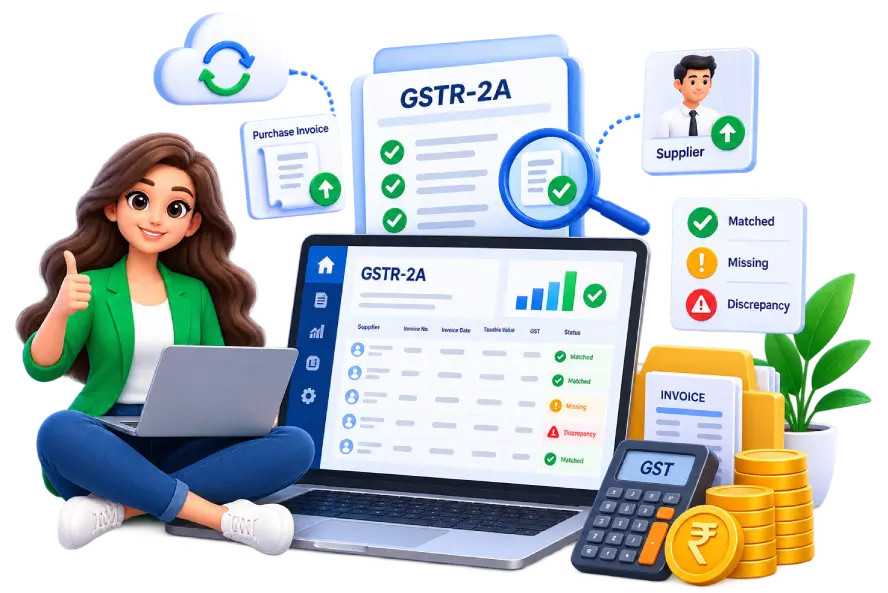
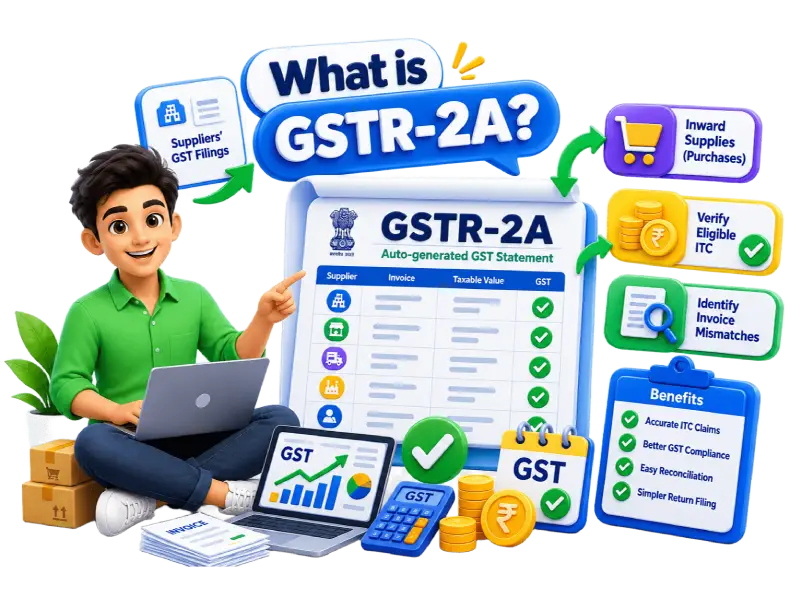
GSTR-2A is a read-only GST statement that helps businesses track purchase invoices and verify eligible Input Tax Credit (ITC). Raseed makes it easy to reconcile your GSTR-2A data and identify mismatches before filing GST returns.
GSTR-2A is an auto-generated, read-only GST statement that displays your inward supplies (purchases) based on your suppliers' GST filings. It helps businesses reconcile purchase records, verify eligible Input Tax Credit (ITC), and identify invoice mismatches.
Regularly reviewing your GSTR-2A statement helps ensure accurate ITC claims, improves GST compliance, and simplifies GST return preparation.
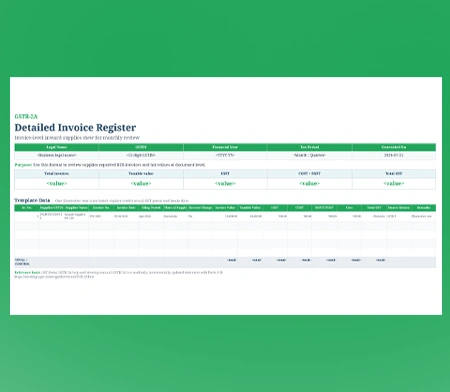
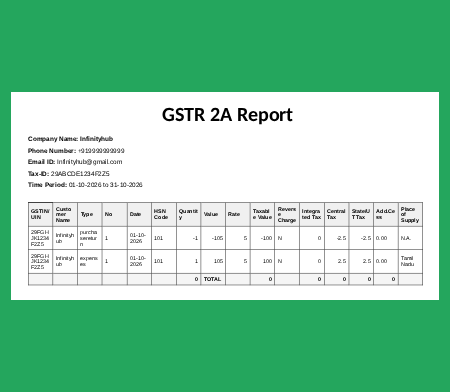
View all supplier-uploaded invoices in a structured format. The dashboard displays GSTIN/UIN, customer name, invoice type, number, date, and value for each transaction.
Easily distinguish between different transaction types such as purchases, expenses, and purchase returns. This helps you organize and review your inward supply data efficiently.
Access detailed tax information for each transaction, including taxable value, integrated tax (IGST), central tax (CGST), and state/UT tax (SGST). This provides clarity on tax amounts for every purchase.
Quickly identify transactions with reverse charge applicability. The dashboard clearly marks "Y" for reverse charge entries, helping you stay informed about your tax obligations.
View the place of supply for each transaction to ensure correct tax jurisdiction. This helps you verify that the right tax type (IGST or CGST/SGST) is applied based on the supply location.
Access the GSTR-2A format directly from the reports section under "Custom." Export your purchase data for review, record-keeping, or sharing with your tax consultant.
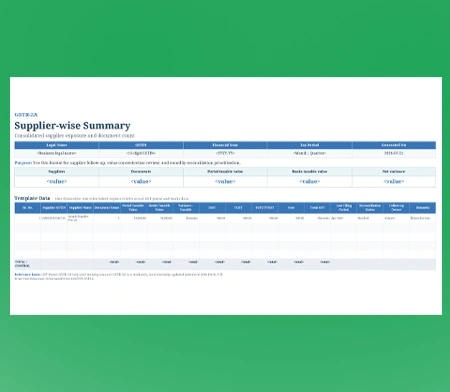
View total values and tax amounts at a glance. The dashboard provides a summary of total value, taxable value, central tax, state tax, integrated tax, and cess amounts for all transactions.
Access your GSTR-2A data securely within the Raseed platform. The dashboard is designed to keep your purchase records organized and accessible whenever you need them.
Watch how Raseed helps businesses reconcile GSTR-2A data, verify purchase invoices, and manage Input Tax Credit (ITC) with ease.
Create your free account in minutes. No credit card required. Get instant access to all GST reconciliation features from your browser or mobile app.
View your purchase invoices, GST transaction details, and supplier records already available in Raseed Billing Software for reconciliation.
Import or view your GSTR-2A statement details and compare supplier-uploaded invoice data with your purchase records to identify differences.
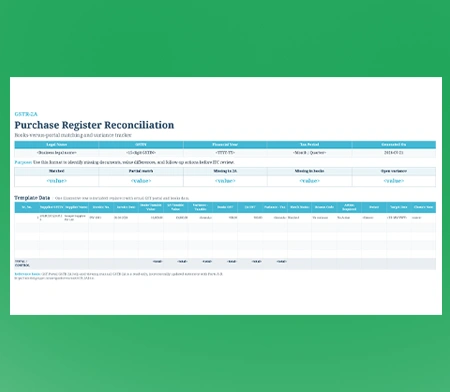
Review matched and unmatched transactions, identify discrepancies, and generate detailed GSTR-2A reconciliation reports for accurate ITC review and GST return preparation.
Every standard registered taxpayer who buys goods, services, or both for their business operations must track their inward supplies to safeguard their business.
GSTR-2A does not have a deadline. It is a statement that updates automatically based on your suppliers' GST filings. Regularly reviewing your GSTR-2A helps you verify purchase invoices, track Input Tax Credit (ITC), and maintain accurate GST records.
Monthly GSTR-2A Updates: GSTR-2A gets updated whenever your suppliers upload invoice details in their GST returns. Regular checks help you keep your purchase records updated.
Before GSTR-3B Filing: Complete GSTR-2A reconciliation before filing your monthly GSTR-3B return to verify eligible Input Tax Credit and identify any invoice mismatches. Goods and Services Tax Network auto-drafts your static credit eligibility statement on the 14th day of every month, providing the baseline dataset for your purchase validation.
Quarterly Review for QRMP Businesses: Businesses under the QRMP scheme can review and reconcile GSTR-2A data before preparing their quarterly GST returns and tax payments.
Regular Supplier Follow-Up: Check pending or missing invoices regularly and coordinate with suppliers to ensure accurate invoice reporting.
Track Your Purchase Records with Confidence
Confirm which invoices your suppliers have uploaded in their GST returns.
Ensure supplier details, invoice numbers, and taxable values are accurate.
Spot invoices not yet uploaded by suppliers and follow up with them.
Review tax amounts reflected in GSTR-2A for accurate GST return preparation.
Identify discrepancies early and avoid mistakes in your GST returns.
Keep your purchase records consolidated and audit-ready.