How to Create GST-Ready Invoices in Seconds with Raseed

An efficient GST invoice process ensures tax compliance, maintains healthy cash flow, and builds a professional reputation with clients. With Raseed’s GST invoice generator, you can create professional GST-compliant invoices in seconds, automate tax calculations, and manage your billing process more efficiently.
What Is a Tax in Invoice?
How Manual Invoicing Slowdowns Your Business
Calculation Mistakes: Manually calculating 5%, 12%, 18%, or 28% taxes on various line items is bound to have rounding mistakes and mismatches.
Non-Compliance: GST compliance involves specific fields such as invoice number, HSN/SAC code, State code, and GSTIN format.
Slow Cash Flow: With manual invoicing, there is always some inefficiency that leads to delays in sending out the invoices. Delays invoicing lead to delays in payment.
Unprofessional Billing: Unformatted, generic bills do not help create confidence among today’s buyers and enterprise customers.
Tax Filing Hassles: During tax filing, manually preparing spreadsheets for GSTR-1 and GSTR-3B becomes a nightmare.
How Do You Create an Invoice That Is Truly GST Ready?
- Detailed Header: A bill labeled as Tax Invoice having a unique and sequential invoice number and date of issuance.
- Supplier Details: Registered business name, trade name, billing address, and GSTIN.
- Buyer Information: Name of buyer, billing address, shipping address, and GSTIN (for B2B sales) and the respective Place of Supply.
- Classification: Description of line items or services, quantity of each item, rate per unit, and discount, Harmonized System of Nomenclature (for goods) and Services Accounting Code (for services).
- Tax Calculation: Taxable value and calculation of the slabs and types of tax to be charged; CGST and SGST (for intra-state supply) or IGST (for inter-state supply).
- Dynamic UPI QR Codes for Payments, Bank Details, and Digital Signature or Seal.
Create A GST-Ready Invoice in Seconds with Raseed
1. Pick Up an Invoice Format
2. Enter Your Business Details
3. Pick Up Your Customer / Party
4. Adding Items Using Barcode Scanning or Quick Search
In the case of Retail / Supermarket counters: Items’ barcodes may be scanned using a handheld scanner or even the phone’s camera. Item name, Batch Number, Unit Price, and the preset Tax rate will be displayed automatically.
5. Appropriate GST Rates
Appropriate CGST, SGST, or IGST rates may be applied depending upon the nature of the transactions. (whether it is an interstate or intrastate) and tax rates respectively.
6. Let Raseed Calculate the Taxes Automatically
7. Add Custom Payment Terms, Due Date, and QR Code for Payment
Choose your payment mode; it could be cash, card, UPI, or credit. The system automatically creates the UPI payment QR code at the time of generating the invoice, allowing customers to scan and make payments right away. Invoice due date is a tool that sends automated reminders for credit payments.
8. Save and Send the Invoice
Save the invoice in one of the following formats: PDF, Excel, or MS Word and send the invoice to your customer using email or print. Print thermal receipts (2 inch or 3-inch size receipts) and full page standard sized invoices.
Why Should You Make Raseed Your Preferred GST invoice generator?
Raseed is designed as an all-encompassing system of billing, stock management, and accounting, customized to cater to Indian MSMEs, retailers, supermarkets, and service agencies. Instead of merely working as a document generator, Raseed makes compliance a part of your billing process.
- Smart Tax Allocation: Choose your customer’s city, and Raseed invoicing software applies the right CGST+SGST or IGST without needing you to calculate them yourself.
- Automatic Lookup HSN/SAC Code: Enter any item name, and it will instantly give you its corresponding HSN/SAC code and GST rate slab.
- Quick Barcode/POS Entry: Scan barcode labels of the products onto your bill screen to enter details of the items, price, and GST rates in seconds.
- Instant Inventory Reduction: With each bill made, the billing software will adjust the inventory counts and give alerts nearing the low stock levels.
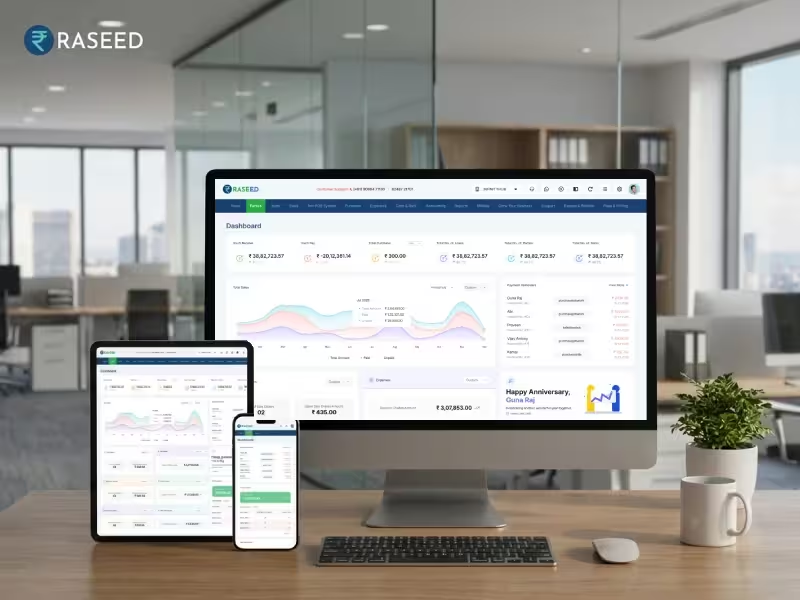
- Multi-device Creation: Create bills using your desk computer, tablet, or even Android/iOS smartphones with instant cloud sync.
- Auto Populates GSTR Files: Each bill created with Raseed GST invoice generator automatically populates your GSTR-1, GSTR-2B, and GSTR-3B files, reducing your monthly tax filing efforts in minutes.
Frequently Asked Questions (FAQs)
Can Raseed be used for products and services?
Can I change invoice templates with my brand colors?
Does Raseed support intrastate and interstate GST separately?
Yes. Raseed gets the state code of the customer from their GSTIN number and matches it with the registered location of your business. If the states match, it applies to CGST+SGST, and if not, it applies to IGST without any manual tax override.
Can I use Raseed on my mobile device?
Yes. Raseed is compatible with all devices including desktop computers, tablets, and mobile phones. You can generate estimates, bills, and invoices using Raseed even on your mobile device using WhatsApp.
How to transform business process with Raseed GST invoice generator?
With Raseed’s GST invoice generator, every invoice you make will become the foundation of your business analysis and accounting ledger. From one centralized platform, you will be able to see your daily profit margins, track your high-turnover inventory, create your E-Way bills, and download financial reports for auditing purposes. If you own one retail shop or run accounts for several places, switching to Raseed Billing Software turns your billing station into a source of power for your business. Try Raseed Billing Software now and make your GST-ready invoices in just a few seconds.

GST Billing & Invoicing Software
Category List
Transform your billing with our top-notch software. Fast, accurate invoicing—start optimizing today!
